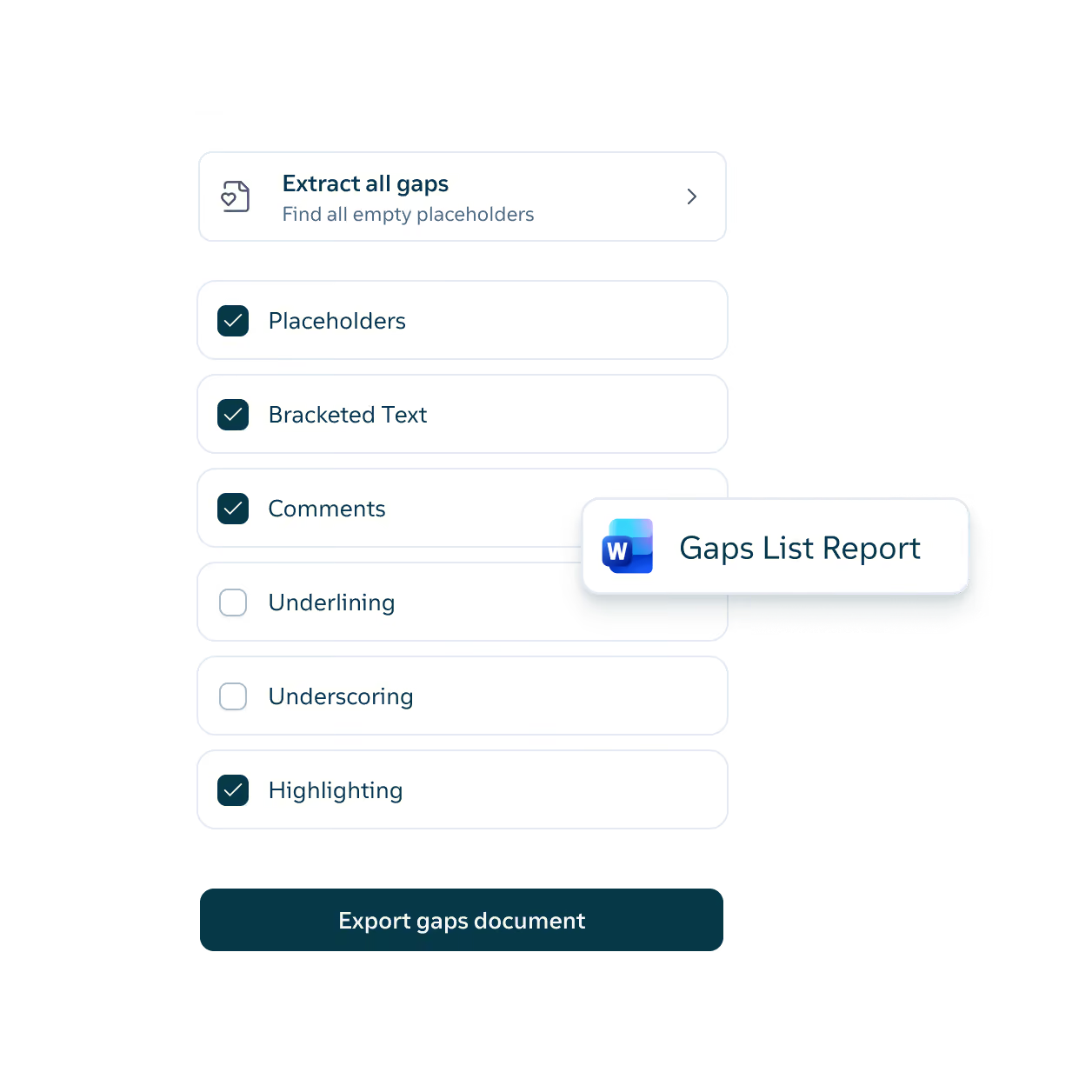
Each turn of a draft can leave markup, comments, and open placeholders behind. Definely builds an issues list from the tracked changes, comments, and footnotes, and a gaps list from the square brackets and drafting notes in seconds. The reference report sends colleagues only the clauses they need, with the associated definitions, and when their markup comes back, Definely folds it into the original as tracked changes.
Reference report
Exports the clauses you choose as a standalone document, with every definition they depend on. When a colleague in Tax sends back their edits to the gross-up clause, Definely folds them into the original contract as tracked changes.
Issues list
Pulls every tracked change, comment, and footnote into one list, with each change as its own item and status, and exports it to Word. The counterparty’s markup on a 90-page SPA becomes an agenda for the client call.
Gaps list export
Exports every square bracket, drafting note, and placeholder in the contract as a list you can share. Before the next turn, the other side gets a list of every point still open.