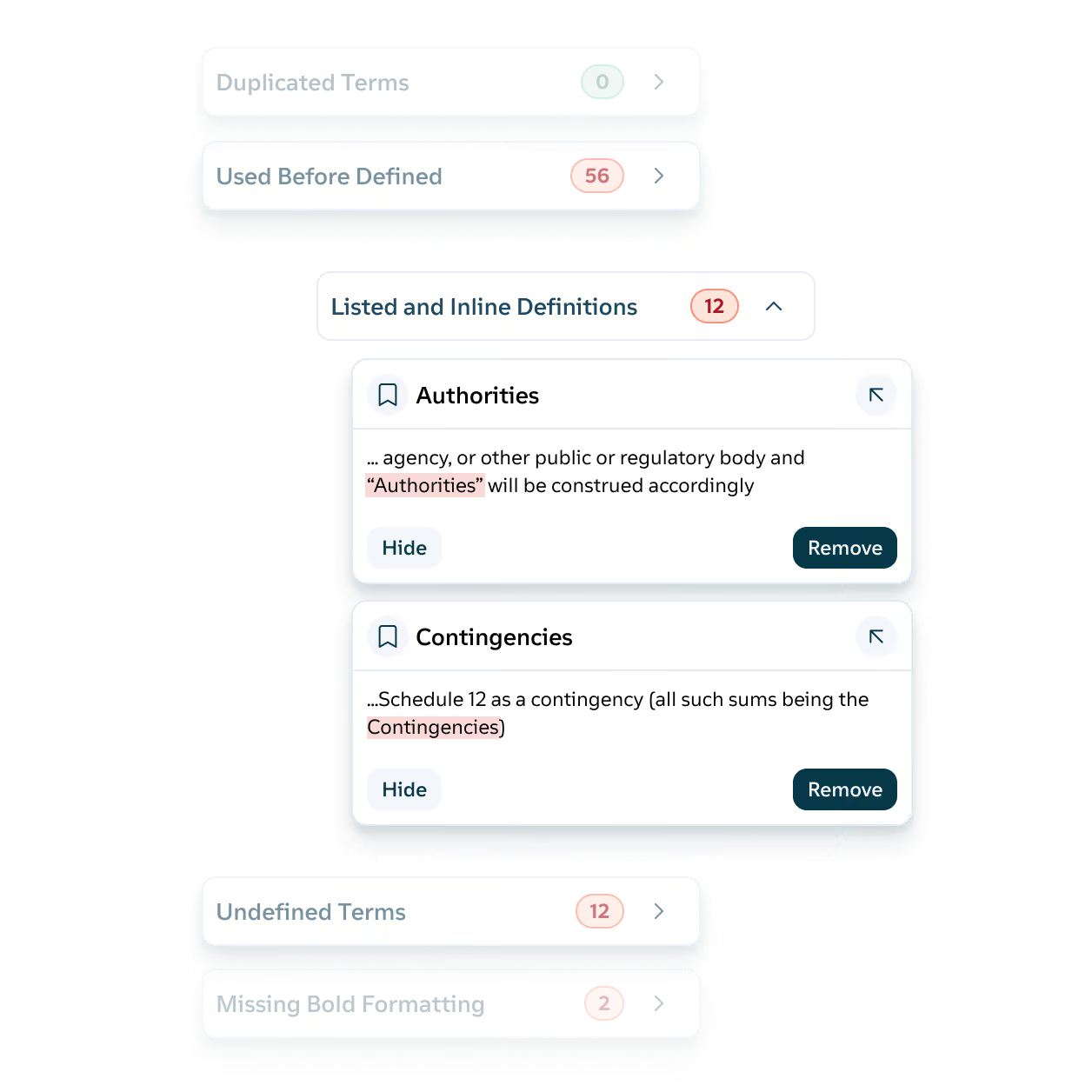
A missing comma could cost millions. Definely runs hundreds of checks across the whole contract in one pass and lists every issue in the Definely panel, so you can fix each one where it sits. The checks follow rules, so the same contract gets the same results every time.
Definition checks
Finds terms that are undefined, unused, duplicated, or inconsistently capitalized, and terms defined inline with no entry in the definitions section. If “Completion Date” is defined twice with different meanings, Definely flags both.
Definitions section formatting
Sorts the definitions section into alphabetical order and flags inconsistent formatting, missing bold, and stray punctuation. If “Agreement” sits above “Affiliate” or “Business Day” has lost its bold, both are flagged, and unused definitions can be deleted from the same list.
Formatting and numbering across the document
Checks numbering, spacing, and punctuation across the whole contract. In a 300-page facility agreement, a clause numbered 25.3 that follows 25.1 gets flagged.
Cross-reference checks
Flags cross-references that are missing, mismatched, or clauses that were deleted or never existed. A reference to “clause 14.2 (Termination)” that now lands on clause 14.2 (Assignment) gets caught.
Editing mistakes
Catches duplicated paragraphs and numbers that don’t match their wording. If clause 7 reads “five (6) Business Days”, Definely flags it and lets you correct either the word or the numeral.
Spell check
Checks spelling against a dictionary built for legal documents. “Intercreditor” and “novation” pass, while “assigment” in clause 12 doesn’t.
Gaps list
Pulls square brackets, drafting notes, comments, and highlights into one list. Before the draft goes to the other side, check that “[Purchaser to confirm]” hasn’t been left in clause 9 or “NTD: can accept 12 months if pushed” hasn’t slipped through.
Targeted scanning
Run every check, only the categories this review needs, or only what has changed since the last turn. On the fourth turn of an SPA, check the counterparty’s changes without re-proofing the whole document.
Issues in context
Shows every issue in the Definely panel with the text around it, so you can see why it was flagged before you fix it. A capitalization flag on “lender” shows the full sentence, so you can tell at once whether it should be the defined term “Lender”.