To be exact
Any legal AI tool can write a clause. Definely tells you whether the contract holds together, with answers calculated from rules that are the same every time.
The maker cannot be the checker
You wouldn’t mark your own homework.
Review is most useful when it stands independent of drafting. As drafting gets faster with AI, the gap between what a contract says and what anyone has checked can grow. Software engineers call this comprehension debt. Definely is built for review and gives lawyers a structural, auditable way to close that gap, whoever or whatever wrote the draft.
How it works
Deterministic algorithms parse the contract. No AI is involved at this stage.
Each clause, definition, and cross-reference is mapped, becoming a traceable object, and the same contract returns the same map every time.
Where a question needs reasoning, AI works from the deterministic map, so what it reports points back to the source.
Rules where the answer is black or white
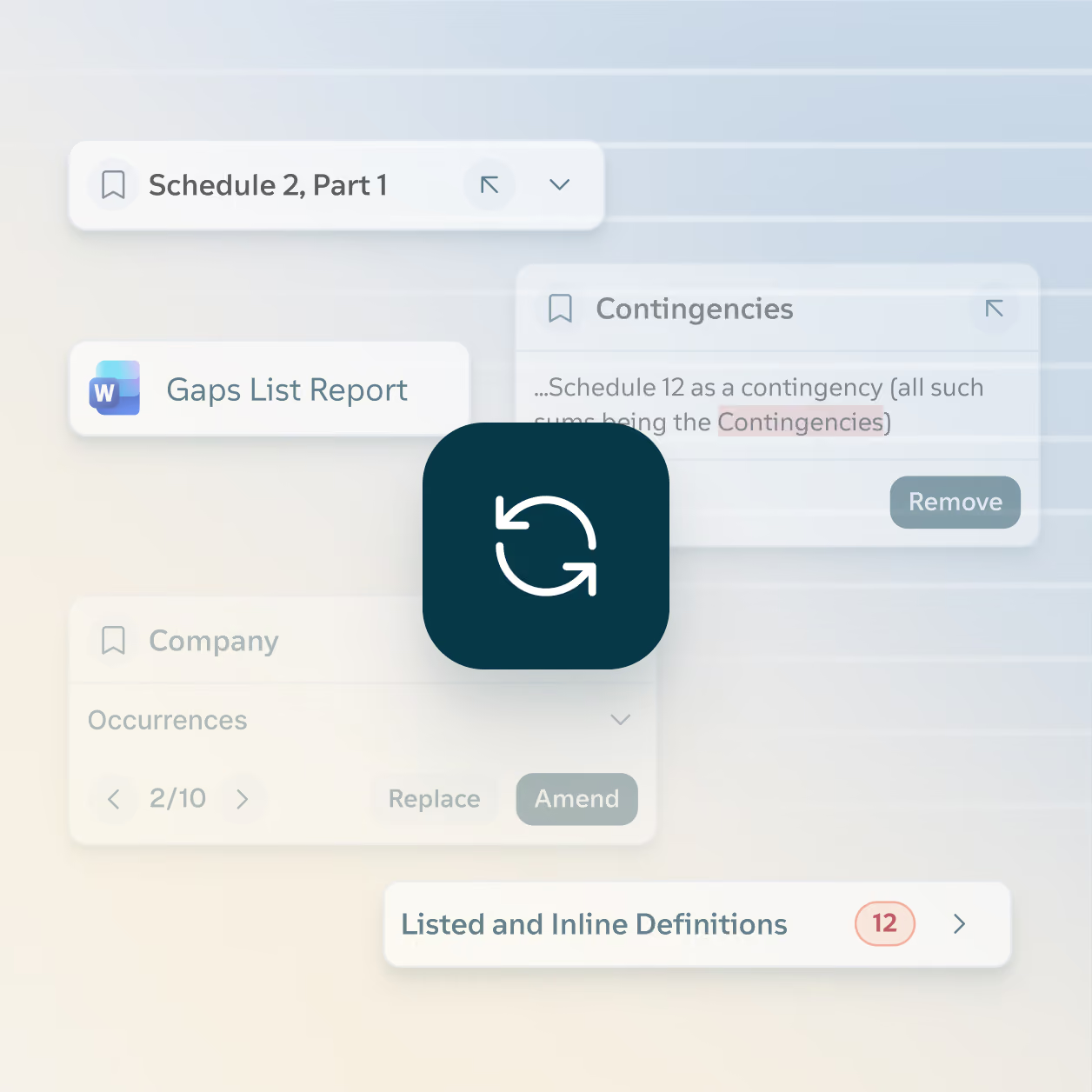
Navigation, defined terms, cross-references, and proofreading run deterministically, by design. A cross-reference either points to clause 14.2 or it doesn’t. ‘Probably’ isn’t good enough in a contract.
AI then works from the deterministic map for comparison against your standard form, precedent, or term sheet, knock-on effect analysis, and natural-language precedent search.
One-click tools
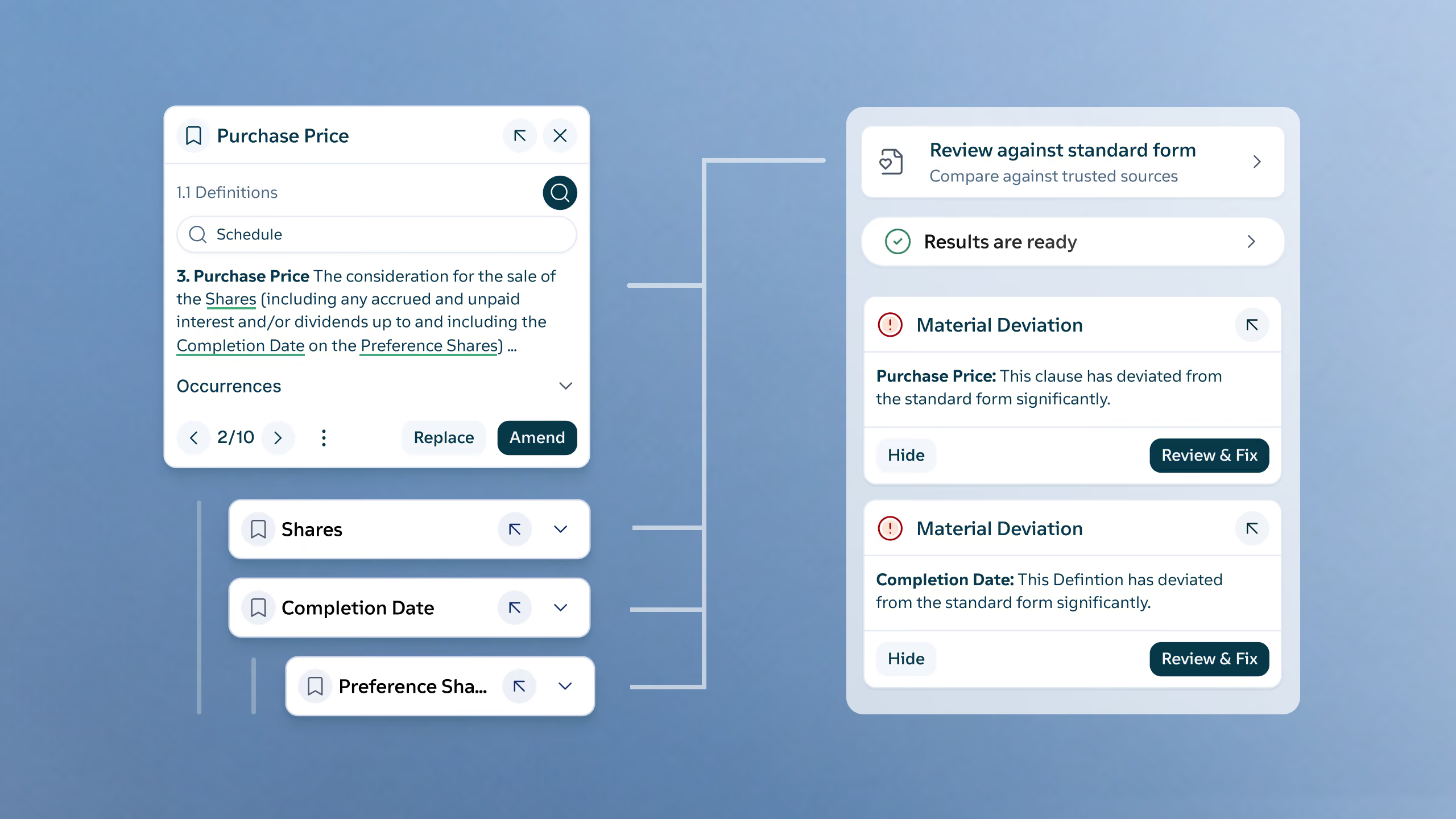
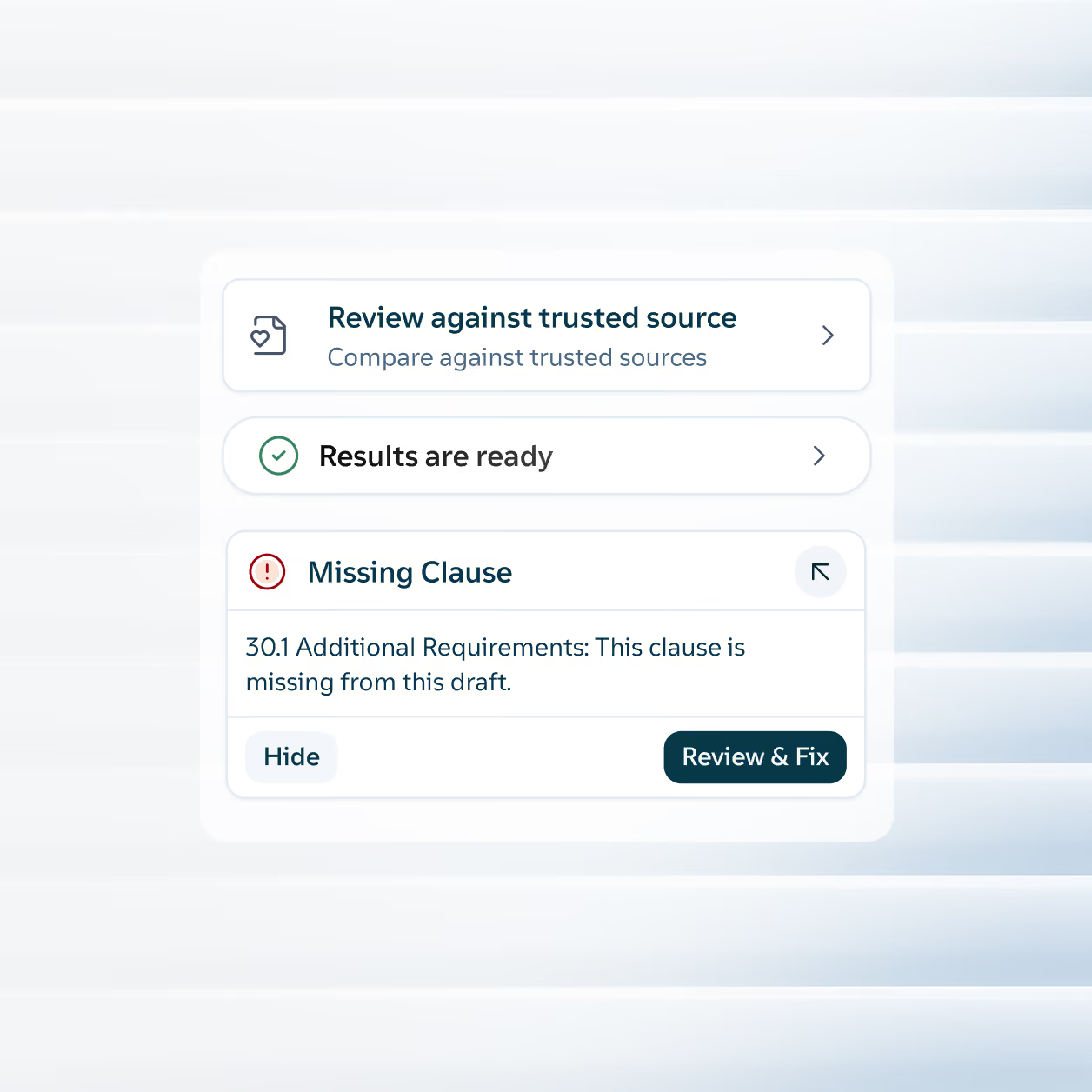
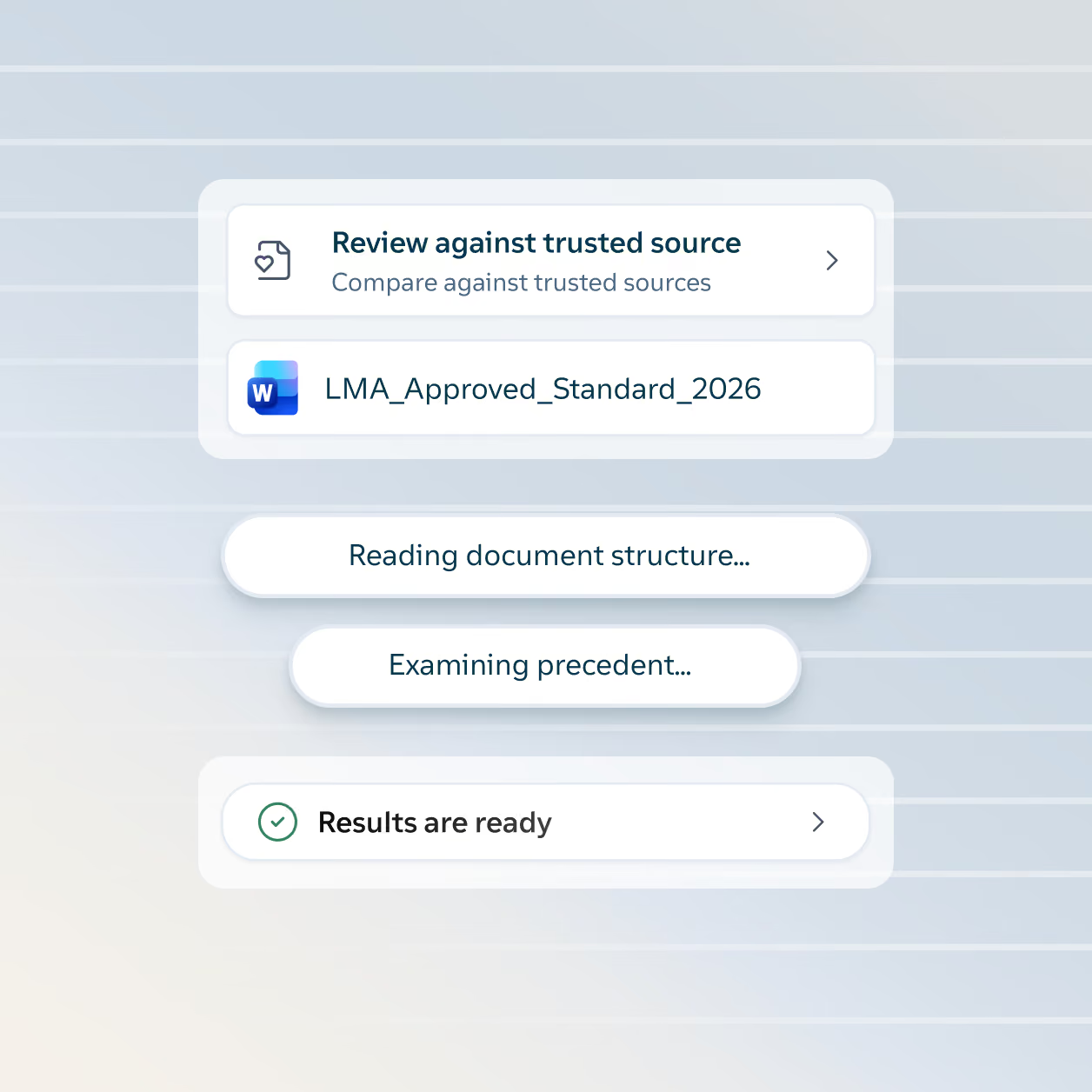
Runs a multi-step review from a single button, with no prompt to write and no steps to chain together yourself. Click “Compare against standard form” on a supply agreement and Definely matches its clauses to your standard form, compares each pair, and lists the deviations, all from one click.
Nominated authority
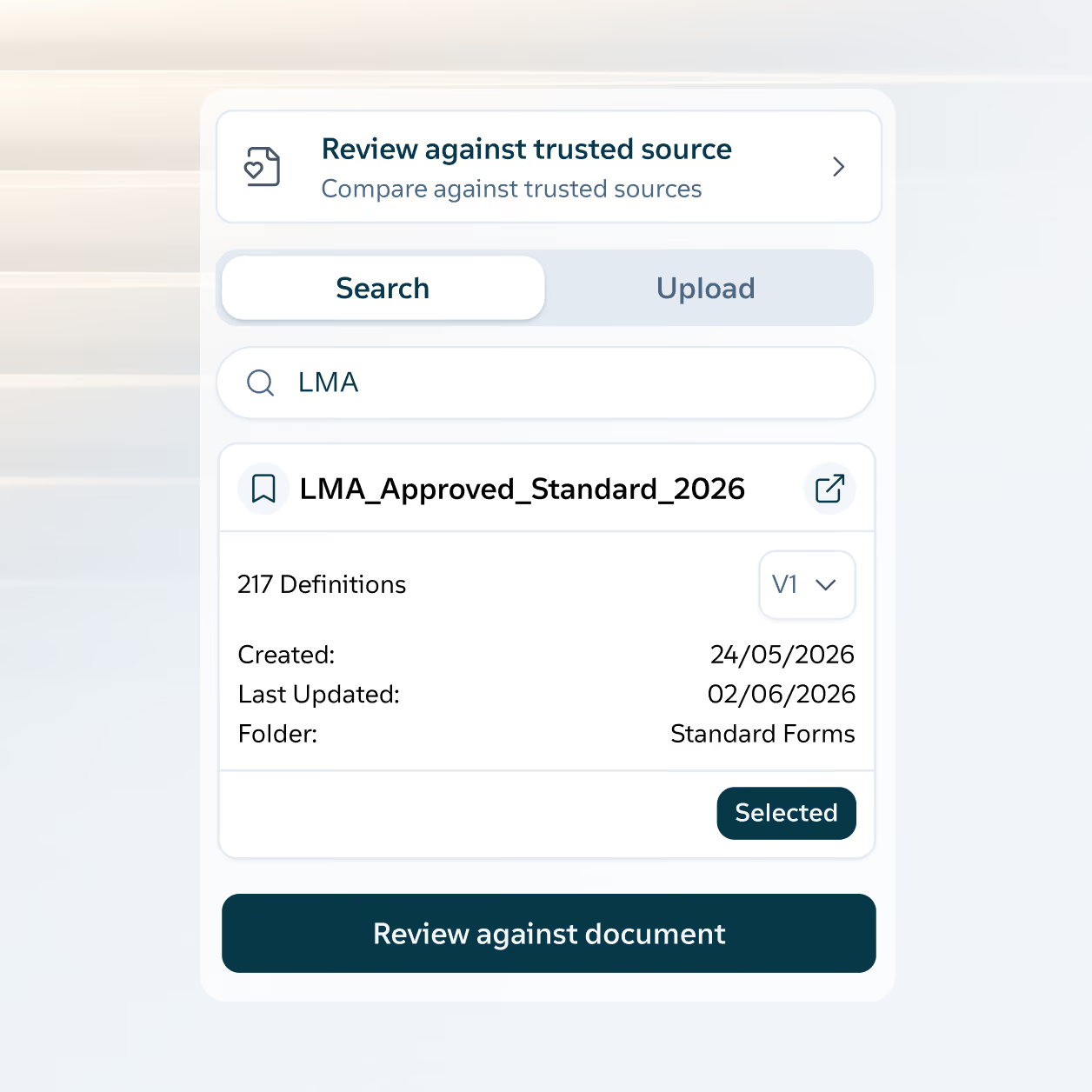
Grounds the AI’s analysis in a document you select: your standard form, a precedent, or the term sheet. Name the signed term sheet as the authority and the facility agreement is measured against the commercial terms the client agreed, with findings quoted from both.
Suggest before insert
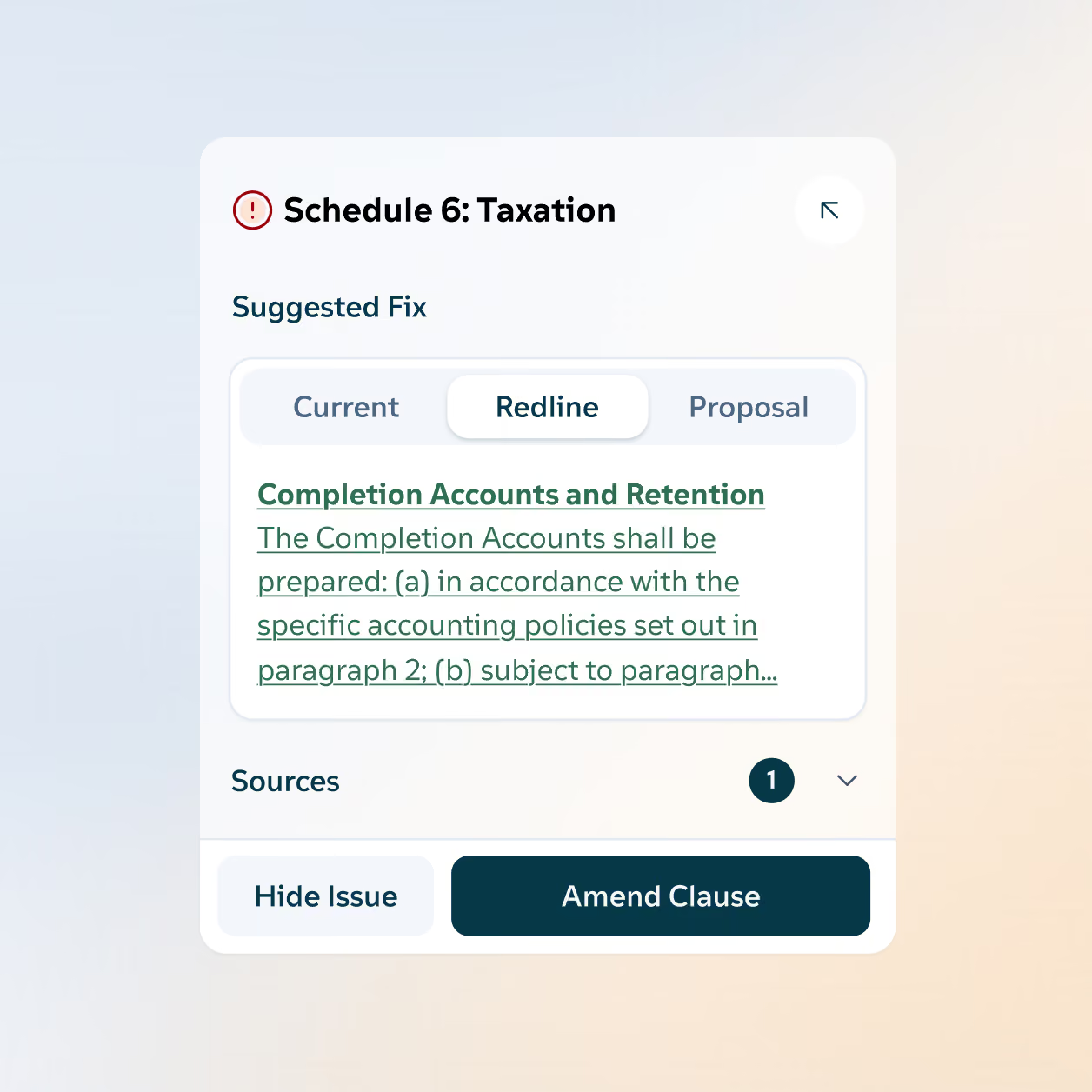
Proposes changes for you to accept or reject, then inserts what you accept as word-by-word tracked changes. Change a 30-day notice period to 60 days and the redline shows one number changed, with the rest of the clause untouched.
Background processing
Start a knock-on analysis on a 300-page facility agreement simultaneously while you keep reviewing the draft.
Agent-coordinated review
One AI agent plans each task, but every step it takes runs through one of Definely’s deterministic tools. The agent decides what to do next, and the tools supply the context it works from. Ask for a missing clause and the agent reads the document’s structure, finds the right example in your precedent, places it in the draft, and inserts it. It then checks for any undefined terms it introduced and adds their definitions in alphabetical order. Each of those steps is grounded in the map of the contract, so the agent’s work stays traceable to the document.
Works where you work
The same review runs in Word, Claude, ChatGPT, and your firm’s own AI tools, through Definely MCP. Ask about a definition and the AI answers from Definely’s deterministic map of the contract.
Secure and trusted
Definely meets the security standards of the world’s largest law firms and in-house teams.
Data is encrypted with AES-256 at rest and TLS 1.2+ in transit, with the option of SSO for sign-in. Customer data is never used to train AI models. ISO 27001, ISO 42001, and SOC 2 Type 2 certifications, along with a summary of our most recent penetration tests, are available in Definely’s Trust Center, trust.definely.com. Where a firm has specific requirements about where its data is held, dedicated deployment options are available.

SOC 2 Type 2

GDPR compliant

ISO 27001

ISO 42001