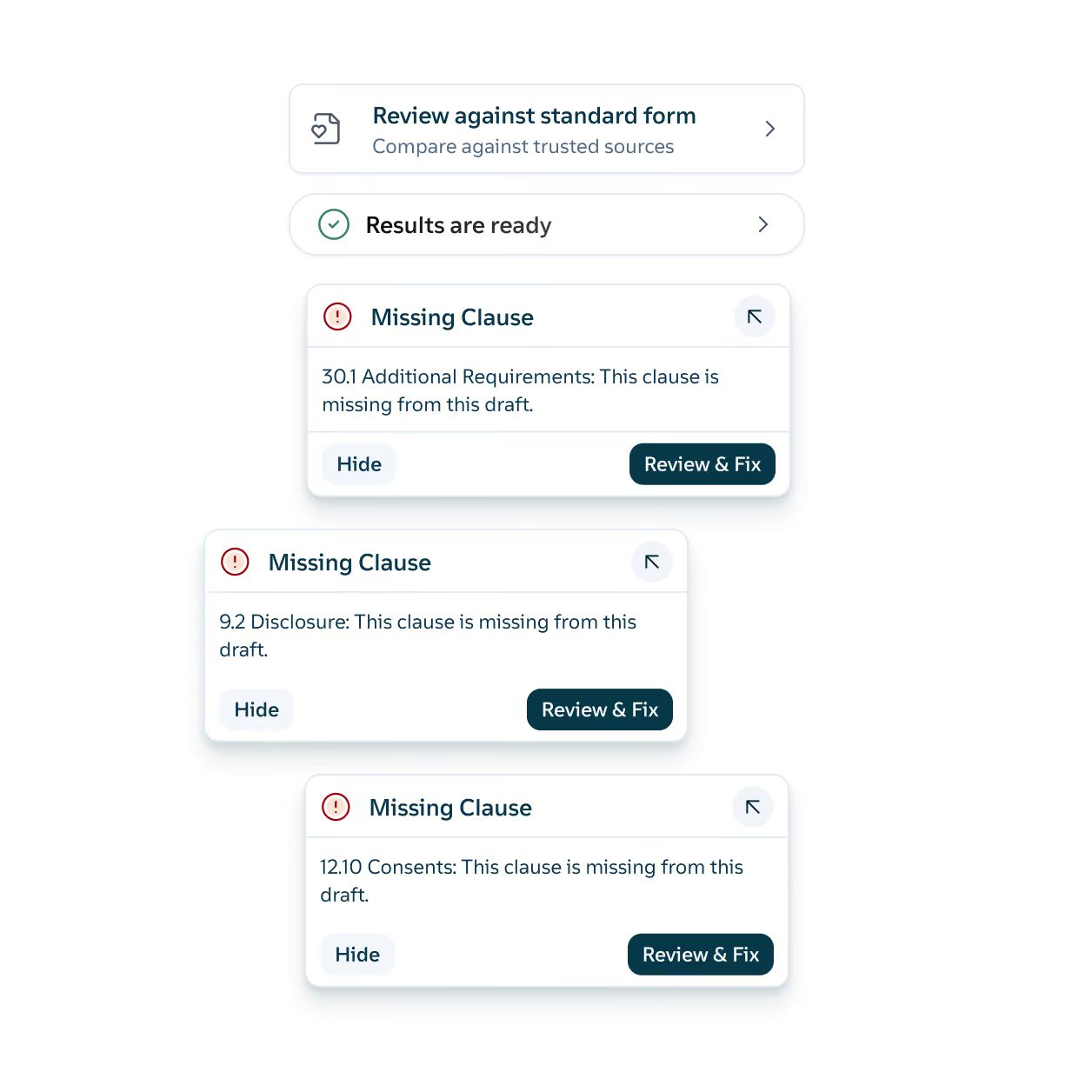
Your organization has already provided guidance on how most clauses should be drafted. Definely compares the draft against your standard form, your precedent, or a term sheet, and shows differences in the Definely panel, quoted from both documents. It works even when the two documents are worded and/or ordered differently.
Compare against your standard form
Checks the draft against your standard form and flags differences, quoted from both documents. For example, if the counterparty has dropped your standard carve-outs from the limitation of liability, it shows up in the Definely panel.
Compare against precedent
Measures the draft against a precedent from your firm’s library or your own. It flags missing clauses and suggests wording to fill them. Check a new supply agreement against the one your team closed last quarter and see what it’s missing.
Compare against the term sheet
Flags where the agreement departs from a term sheet. If the term sheet agreed a 12-month earn-out and the SPA says 18 months, Definely shows you both.
Align definitions
Checks the defined terms in one document against an agreement you nominate and flags any that have been renamed or reworded, including the grammar that changes with them. If the facility agreement defines “Secured Liabilities” and the security deed uses “Secured Obligations”, Definely flags the mismatch.
Knock-on effect analysis
Traces a change through the clauses, definitions, and references it affects across the contract suite. Narrow the definition of “Permitted Acquisition” and see every covenant the change touches.
Smart search
Finds every date, time, amount, entity, and piece of legislation in the contract. Pull up every mention of “$25,000,000” to confirm the cap is the same everywhere.